
In this guide
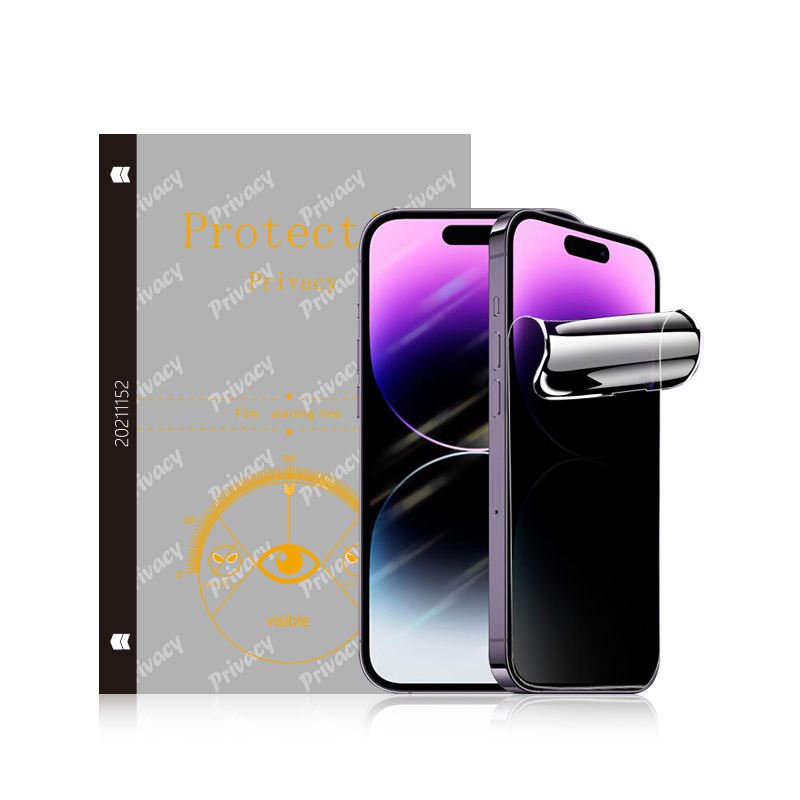
A privacy screen protector, sometimes called an anti-spy screen protector, is a screen protector with an optical filter that keeps the display readable from straight ahead while making it appear dark from the side. This guide explains what a privacy screen is, how the filter works, which product formats are available and what buyers should verify before ordering.
- Understand how the micro-louvre filter controls side-angle visibility.
- Compare confirmed privacy formats before selecting products for your market.
- Verify viewing angle, brightness and touch performance with product-specific samples.
1. What Is a Privacy Screen?
A privacy screen is a display-protection layer designed to limit side-angle visibility. The person directly in front of the device can read the screen, while people viewing from the left or right see a much darker image. On phones and tablets, the privacy layer is usually built into a screen protector, so it adds visual privacy and physical surface protection in one product.
Unlike a regular clear protector, a privacy screen protector deliberately narrows the viewing cone. It is useful for customers who check banking apps, work email, contracts or other sensitive information on public transport, in shared offices or in other crowded spaces.
| Aspect | Privacy Screen Protector | Regular Clear Protector |
|---|---|---|
| Side-angle visibility | Display appears dark from the side | Display remains visible from wider angles |
| Main purpose | Visual privacy plus screen protection | Screen protection and clarity |
| Brightness | Can look slightly dimmer | Typically preserves more apparent brightness |
| Touch response | Should remain responsive when correctly made and installed | Should remain responsive when correctly made and installed |
2. How Does a Privacy Screen Protector Work?
The core technology is called a microlouvre or micro-louvre filter—a microscopically thin lattice of light-blocking strips embedded inside the protector layer. It works in a similar way to window blinds controlling the direction in which light can pass.
When you look at the screen head-on, light travels straight through the gaps and the image looks normal. When someone looks from the side, the same lattice blocks the angled light path, so the display appears dark. This is a purely optical effect; it does not require electronics, software or power.
3. Privacy Screen Protector Benefits and Drawbacks
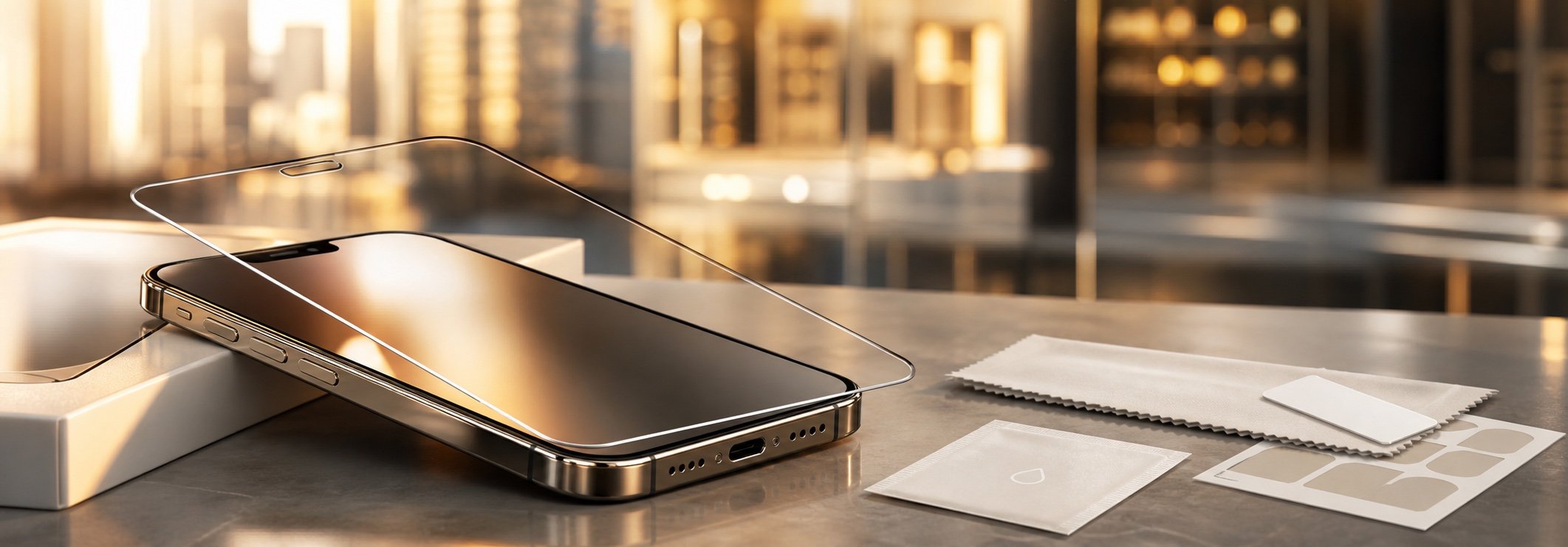
The main benefit is immediate visual privacy without software, power or device settings. The trade-offs come from the same optical layer that narrows the viewing cone. Buyers should evaluate both sides with the exact sample rather than treating every privacy protector as identical.
| Area | Benefit | Possible Drawback | What to Test |
|---|---|---|---|
| Visual privacy | Reduces readable side-angle viewing in public or shared spaces | A narrow viewing cone can be inconvenient when intentionally sharing the screen | Compare front, left and right views at normal brightness |
| Brightness | No software or power is required | The display can appear dimmer because the filter blocks part of the light | Check readability indoors and outdoors at practical brightness settings |
| Clarity and color | A suitable product can preserve clear head-on viewing | Low-quality filters can introduce grain, color shift or visible lines | Inspect text, white backgrounds, photos and video at normal distance |
| Touch and biometrics | A compatible protector should preserve normal touch use | Thickness, adhesive, installation or device-specific sensors can affect performance | Test typing, edge gestures and fingerprint unlock on the target device |
4. Choose the Right Privacy Format
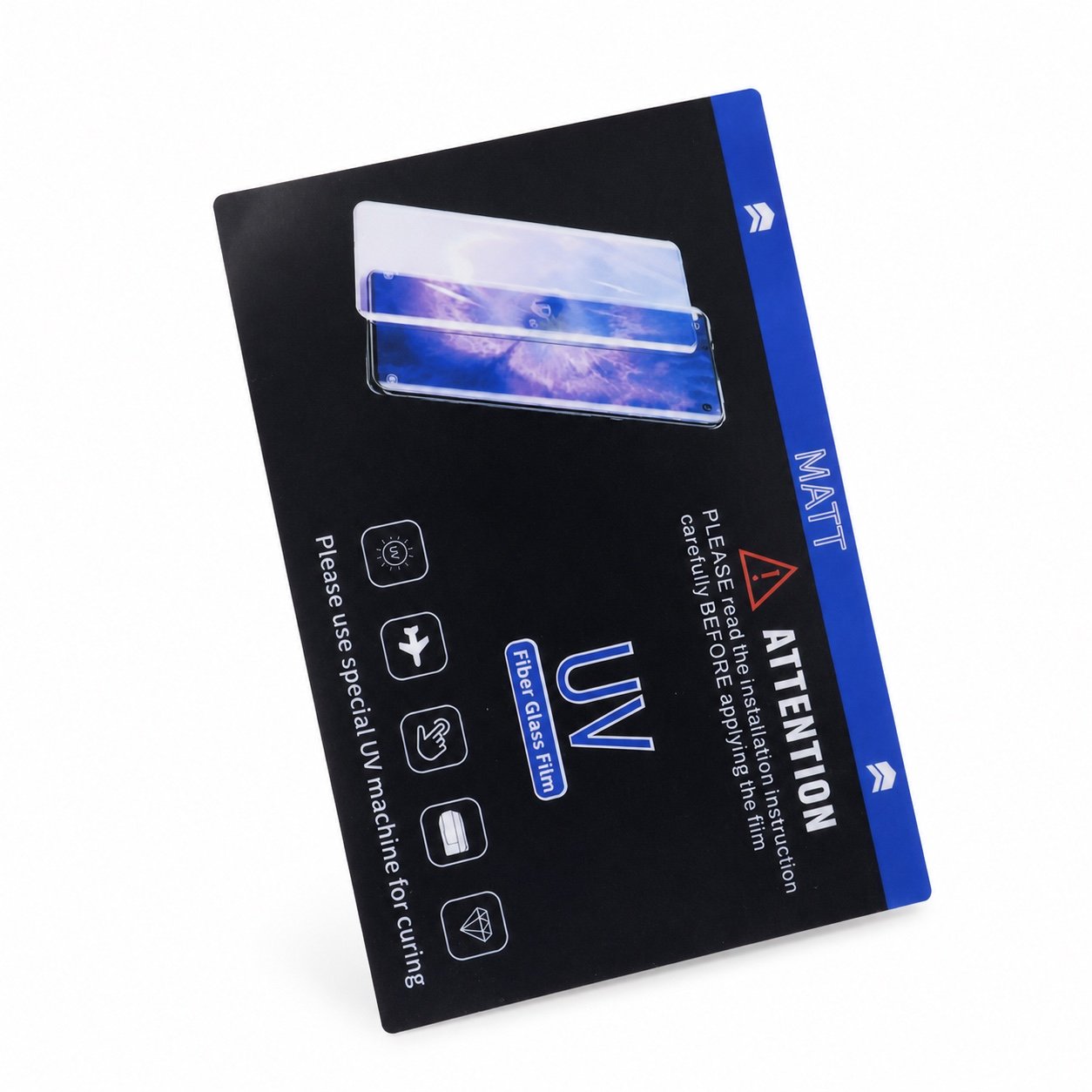
Privacy protection is available in more than one material format, but buyers should distinguish confirmed products from specifications that require a custom feasibility check. JJT’s Matt Privacy UV curing film is a confirmed dedicated privacy finish.
A privacy or anti-glare finish on tempered glass or hydrogel film may be available on request, but it must be confirmed for the target device before quotation. The material lines are not automatically interchangeable. For a program-level overview, see the privacy screen protector wholesale and OEM page; for a material-by-material comparison, read Choosing a Privacy Screen Protector Format: Glass vs Hydrogel vs UV Film.
5. Understand Brightness and Viewing Comfort
Privacy protection is useful for customers who view banking apps, work email, contracts or other sensitive content on trains, in open offices or in public spaces. The visual protection is immediate and does not require settings or software.
The trade-off is that the filter can make the screen look slightly dimmer to the primary viewer because the same lattice reduces some forward light. This does not inherently add flicker or blue light. Users can adjust screen brightness, but comfort should be confirmed with the specific product or a physical sample.
6. Check Fingerprint Sensors, Touch Response and Viewing Angle
A well-manufactured privacy protector, correctly installed, should not noticeably change normal touchscreen response. As with any protector, thickness, adhesive coverage, bubbles and misalignment can affect the perceived touch experience.
Fingerprint compatibility is device-specific. Rear and side-mounted fingerprint sensors are normally outside the protected display area, while under-display optical or ultrasonic sensors read through the screen and protector stack. A privacy product that works on one device should not automatically be described as compatible with every under-display sensor. Test enrollment and repeated unlocking on the exact device, and follow the device maker's guidance before approving a model for sale.
The visible and blocked viewing angles depend on the product construction and material. JJT does not use one blanket figure for every privacy SKU. Confirm the exact angle against the specification sheet or test a sample before placing a wholesale order.
7. Common Questions
Are privacy screen protectors useful?
Yes, especially for customers who regularly view sensitive content in public or work in shared spaces. The main trade-off is a small reduction in apparent brightness.
Does a privacy filter need power or software?
No. The privacy effect is created by the optical structure inside the protector and works without electronics or device settings.
Do privacy screen protectors make the display darker?
They can reduce apparent brightness because the optical filter blocks part of the light. The amount varies by product, so compare the exact sample at realistic indoor and outdoor brightness settings.
Do privacy screen protectors work with fingerprint sensors?
Compatibility depends on the device, sensor type, protector construction, adhesive and installation. Under-display fingerprint enrollment and repeated unlocking should be tested on the exact target model before a buyer approves it.
How should a wholesale buyer confirm performance?
Request the product specification and test a sample on the intended device for viewing angle, brightness, clarity, touch response and installation quality.
Ready to Add Privacy Protectors to Your Program?
Share your target devices, preferred material and quantity. JJT can confirm privacy-finish availability and prepare samples for a wholesale or OEM program.
Contact JJT